

Moving a WooCommerce store can be pretty tricky, particularly when you’re faced with large datasets, aiming to cut down on downtime, and wanting to ensure a seamless transition for your business. If you try to do it manually, you might run into errors, inefficiencies, and annoying delays. This is exactly why WooCommerce Migration plugins are so useful!
They let you transfer products, orders, customers, and other crucial store data with ease, speeding up the migration process and making it a lot more straightforward. In this article, we’ll dive into the top WooCommerce Migration plugins for 2026.
Top Migration Plugins for WooCommerce in 2026
1. Product Import Export for WooCommerce
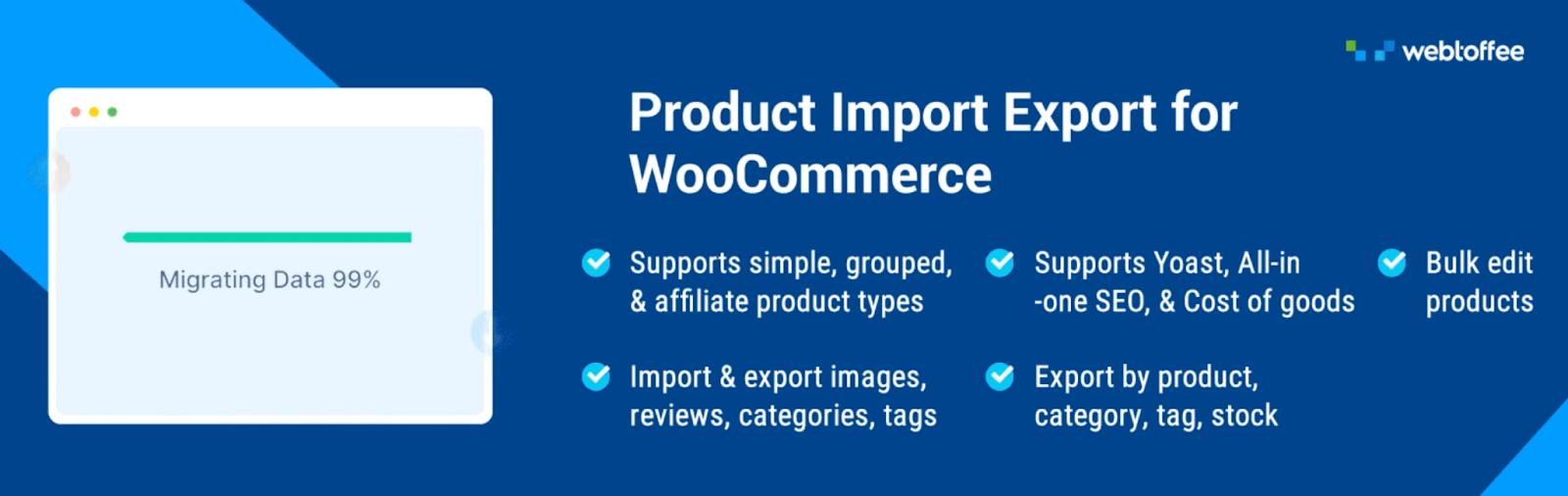
The WooCommerce Product Export plugin is designed to make migrating your WooCommerce product data a whole lot easier. It works with various file formats such as CSV, XML, Excel, and TSV. This product import export plugin allows you to perform bulk updates, schedule imports and exports, and maintain precise control over your metadata. Thanks to its advanced filtering options, store owners can efficiently handle product data updates and manage migrations without a hitch.
Key Features:
- Migrate WooCommerce products and reviews
- Supports quick and advanced imports
- Advanced filters for importing specific products
- Compatible with multiple product types
- Bulk updates existing product data
- Schedule import/export with FTP/SFTP
- Auto-generate product description with ChatGPT AI
2. Import any XML or CSV File to WordPress
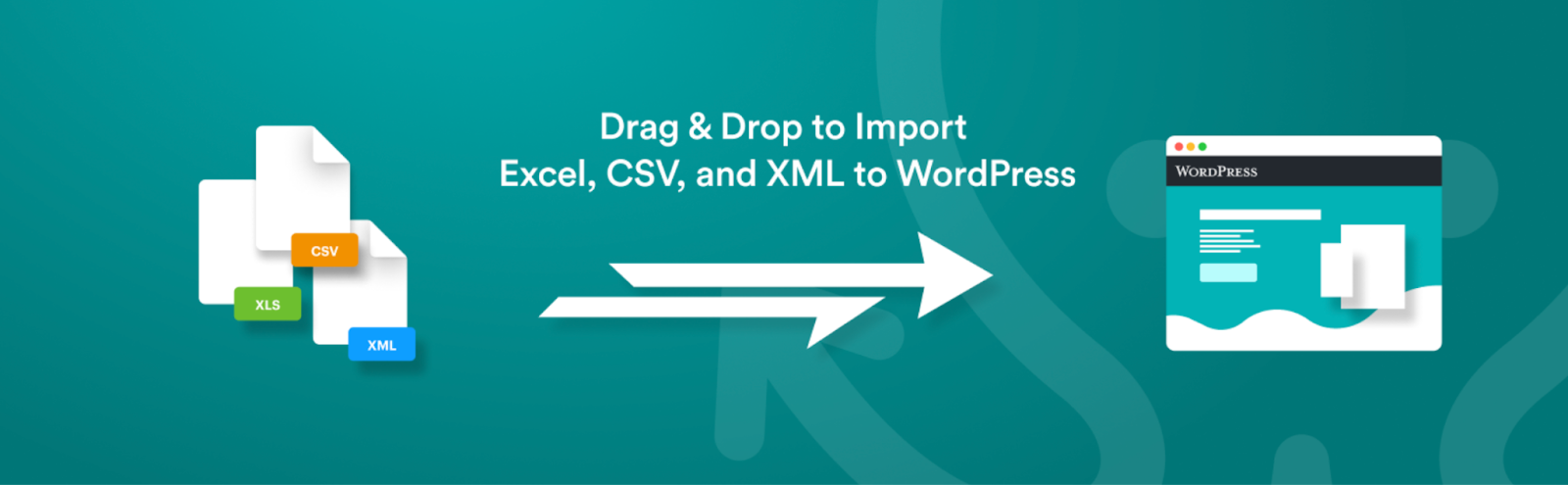
WP All Import offers a straightforward solution to import XML and CSV files with a drag-and-drop interface. It simplifies intricate data migrations, supports cron tasks, and downloads images directly from file URLs.
Key Features:
- Import data into custom fields
- Download images from file URLs
- Import files from a URL
- Supports XML/CSV migration
3. Order Export & Order Import for WooCommerce
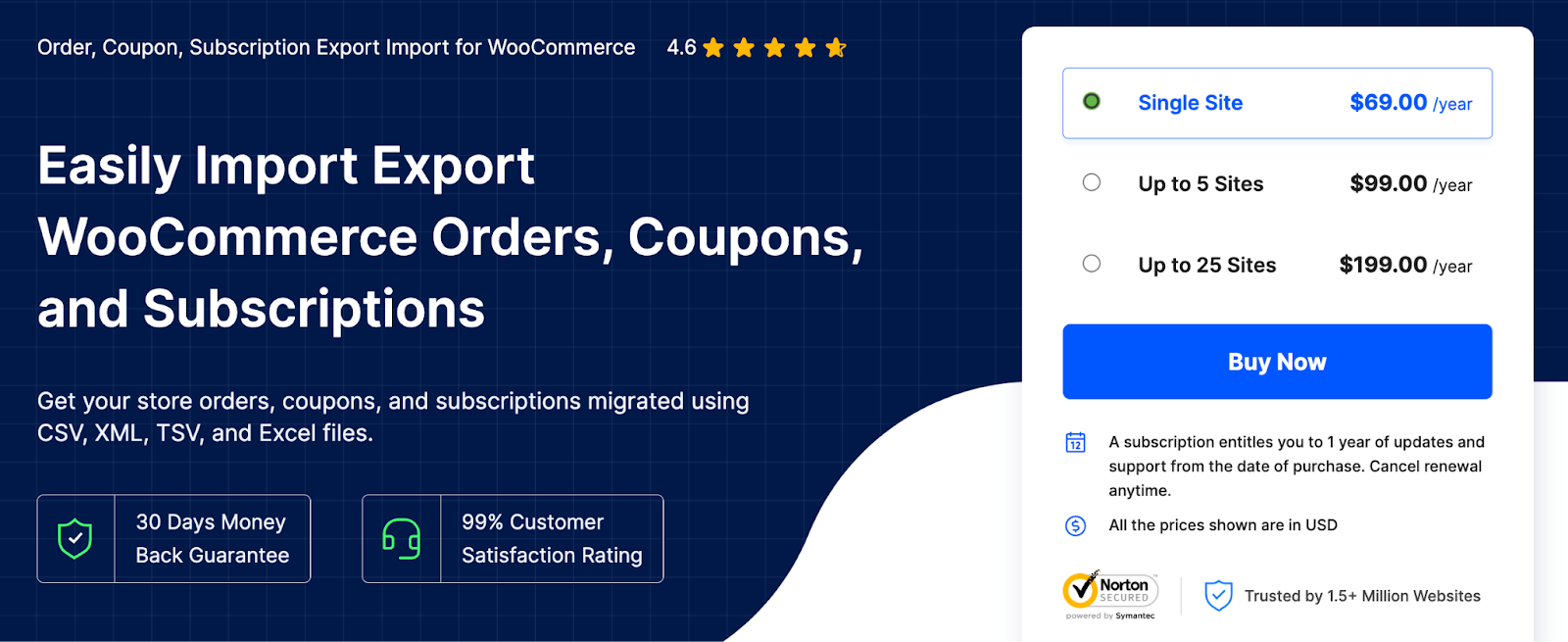
The WooCommerce Export Import Orders plugin manages WooCommerce orders, coupons, and subscriptions, supporting CSV, XML, and Excel formats. It automates imports, handles custom metadata, and logs activities for troubleshooting. The import and export orders plugin’s filtering options allow precise control over the data being migrated.
Key Features:
- Import/export orders, coupons, subscriptions
- Supports custom metadata for orders
- Advanced filters for specific migrations
- Automates data transfers efficiently
- Bulk-update WooCommerce orders with Import
- Supports multiple file formats
4. Product CSV Import Suite

Designed for large product catalogs, the Product CSV Import Suite plugin enables easy import, export, and bulk updates of product details. It integrates with extensions like Google Product Feed, Product Vendors, and WooCommerce Subscriptions, ensuring seamless management of product variants, custom attributes, and vendor details.
Key Features:
- Export full or partial product data
- Bulk import/export data
- Merge and update WooCommerce products
5. CSV Import Suite for Customers/Orders/Promotion Code for WooCommerce

This CSV Import Suite tool efficiently migrates customers, orders, and promotional codes with batch imports. It retains customer accounts and order histories and supports custom fields for smooth eCommerce transitions. Compatible with CSV Export extensions, it ensures all-inclusive order and customer data management.
Key Features:
- Import promo codes, customers and orders
- Retains customer accounts and order histories
- Bulk update customer information
- Supports importing multiple shipping methods
- Import custom fields and metadata.
6. Export and Import Users and Customers
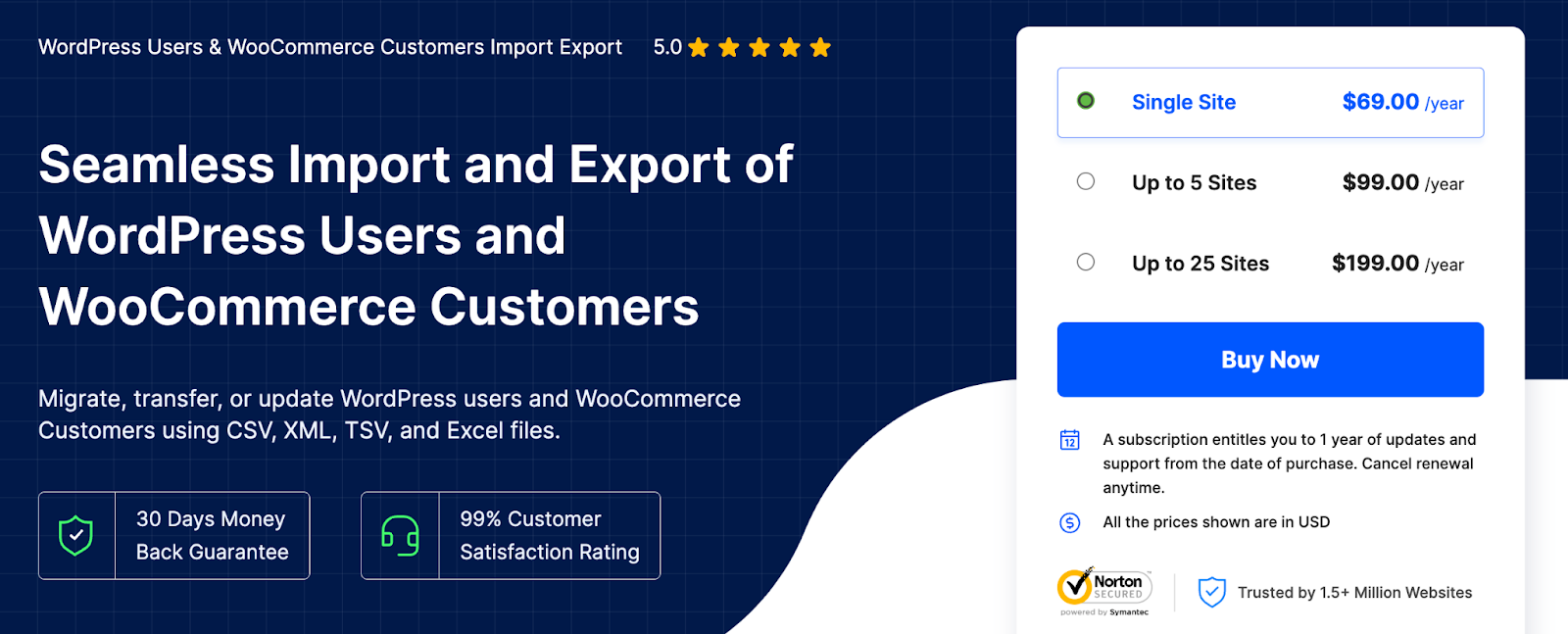
This WordPress Users Import Export plugin streamlines the migration of WooCommerce customers and WordPress users. It retains secure passwords, supports metadata migration, and allows filtered exports by user role or registration date. Bulk updates and automation through cron tasks improve efficiency. This user import export plugin also comes with a free version.
Key Features:
- Migrate WordPress users and WooCommerce customers
- Advanced filters to custom migrate data
- Retains encrypted passwords during migration
- Choose from multiple methods for data migration
- Import/export users with custom metadata.
- Bulk update user and customer details.
7. Import and export users and customers
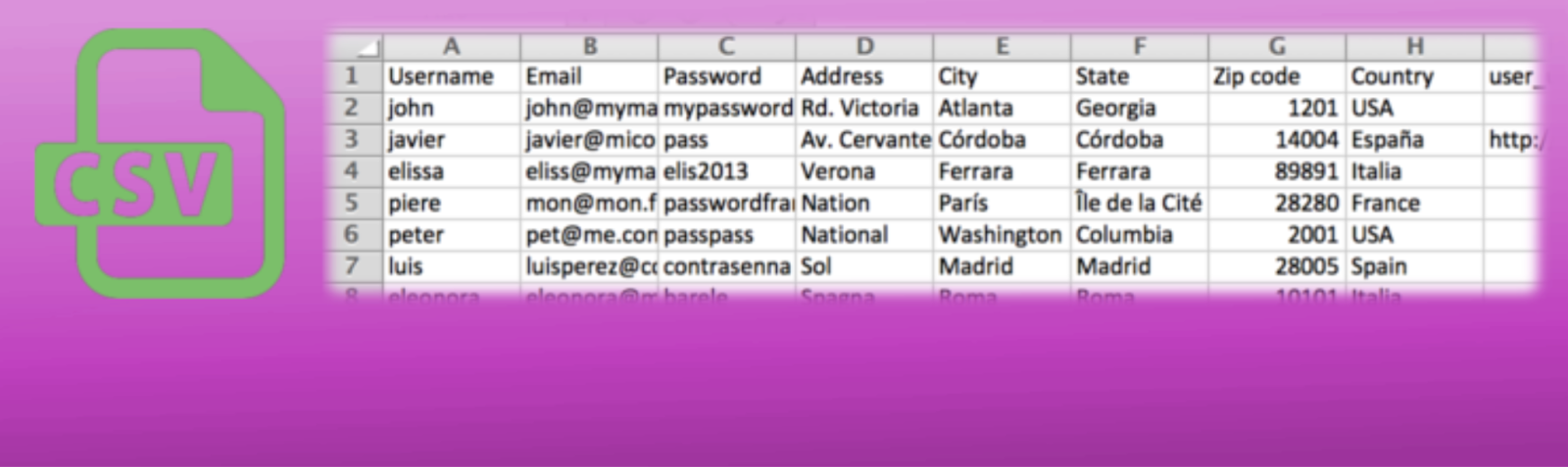
This plugin simplifies managing users and customers in WordPress by enabling seamless imports from CSV files. It supports custom metadata and allows profile editing post-import. Store owners can schedule periodic imports with cron tasks to streamline updates. The plugin also facilitates precise data exports with advanced filters, such as user roles or registration dates, ensuring efficient organization and management of user information.
Key Features:
- Update existing WordPress user data
- Import customer metadata
- Create cron tasks to automate the import process
- Filters users and customers by role or registered date
8. Advanced Order Export For WooCommerce
The Advanced Order Export for WooCommerce plugin focuses on exporting orders, products, and custom fields in multiple formats like CSV, XML, and JSON. Its flexible interface allows renaming fields, reordering columns, and filtering data to meet specific export requirements.
Key Features:
- Export orders, products, and custom fields
- Filter exports for specific data fields
- Rename fields and reorder columns easily
- Supports exporting in multiple formats
9. Export any WordPress data to XML/CSV
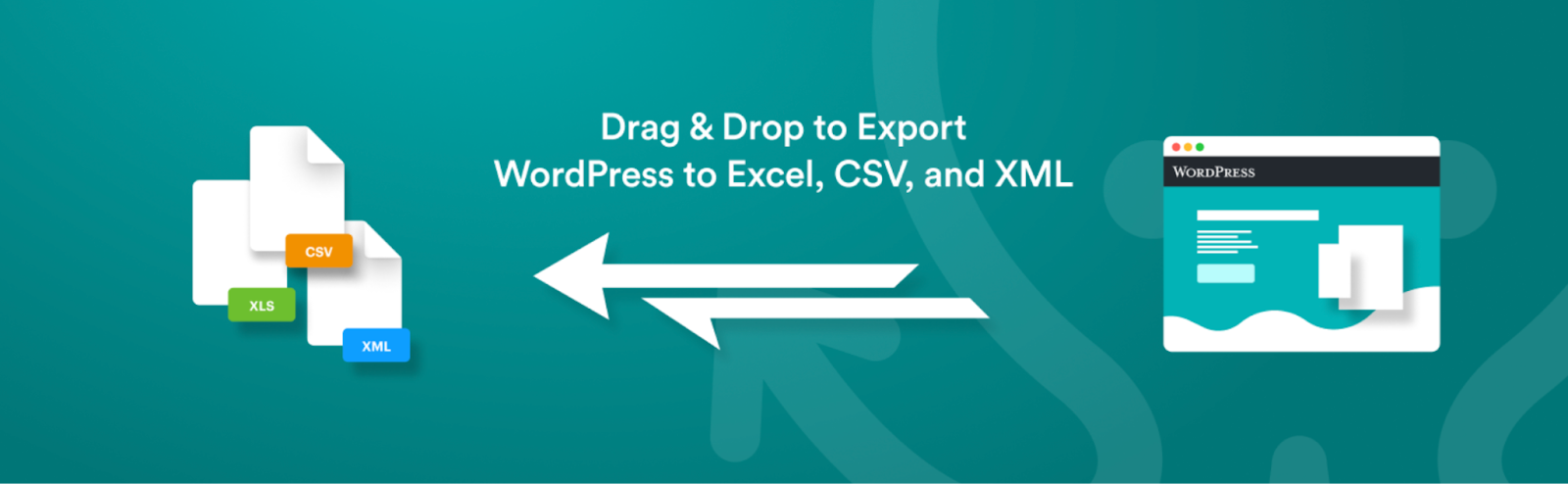
WP All Export simplifies data exports with a seamless three-step process and an intuitive drag-and-drop interface, making complex tasks quick and effortless. Whether you need to export data for easy editing, migrate content between WordPress sites, or generate tailored reports, this tool provides the flexibility to handle it all.
Key Features:
- Export data into custom CSV/XML formats
- Supports custom post types and fields
- Integrates with WP All Import.
10. Import Export Suite for WooCommerce
The WooCommerce Import Export Suite is an all-in-one solution for importing and exporting WooCommerce data; this plugin handles products, orders, reviews, and customers. It supports CSV, XML, and Excel formats, offering bulk updates, automation, and advanced filtering for streamlined migrations.
Key Features:
- Migrate products, orders, reviews, customers
- Compatible with multiple file formats
- Supports advanced filtering and automation
- Bulk updates with scheduled import/export
- Schedule import and export actions
Conclusion
WooCommerce Migration plugins make data migration easier, allowing businesses in the eCommerce niche to handle large datasets with ease. These tools are compatible with different file formats, automate tasks, and offer advanced filtering for accuracy.
Whether you’re moving products, customers, or orders, these plugins simplify the processes, saving time and minimizing mistakes. Choosing the right plugin guarantees smooth transitions, improved store management, and a more efficient workflow.
Thanks for reading!
Recent Comments