

WooCommerce store owners often face a constant flow of tasks that demand steady attention – from managing orders to safeguarding data and keeping customers engaged. The right mix of plugins can smooth out these routines and create a more organized workflow without adding more strain to your daily schedule.
As new tools continue to emerge and existing ones evolve, 2026 offers a range of dependable options that help store owners stay on top of everything with less effort. The following plugins were selected for their practicality, clear purpose, and ability to make everyday WooCommerce management feel more manageable.
1. Sequential Order Number for WooCommerce
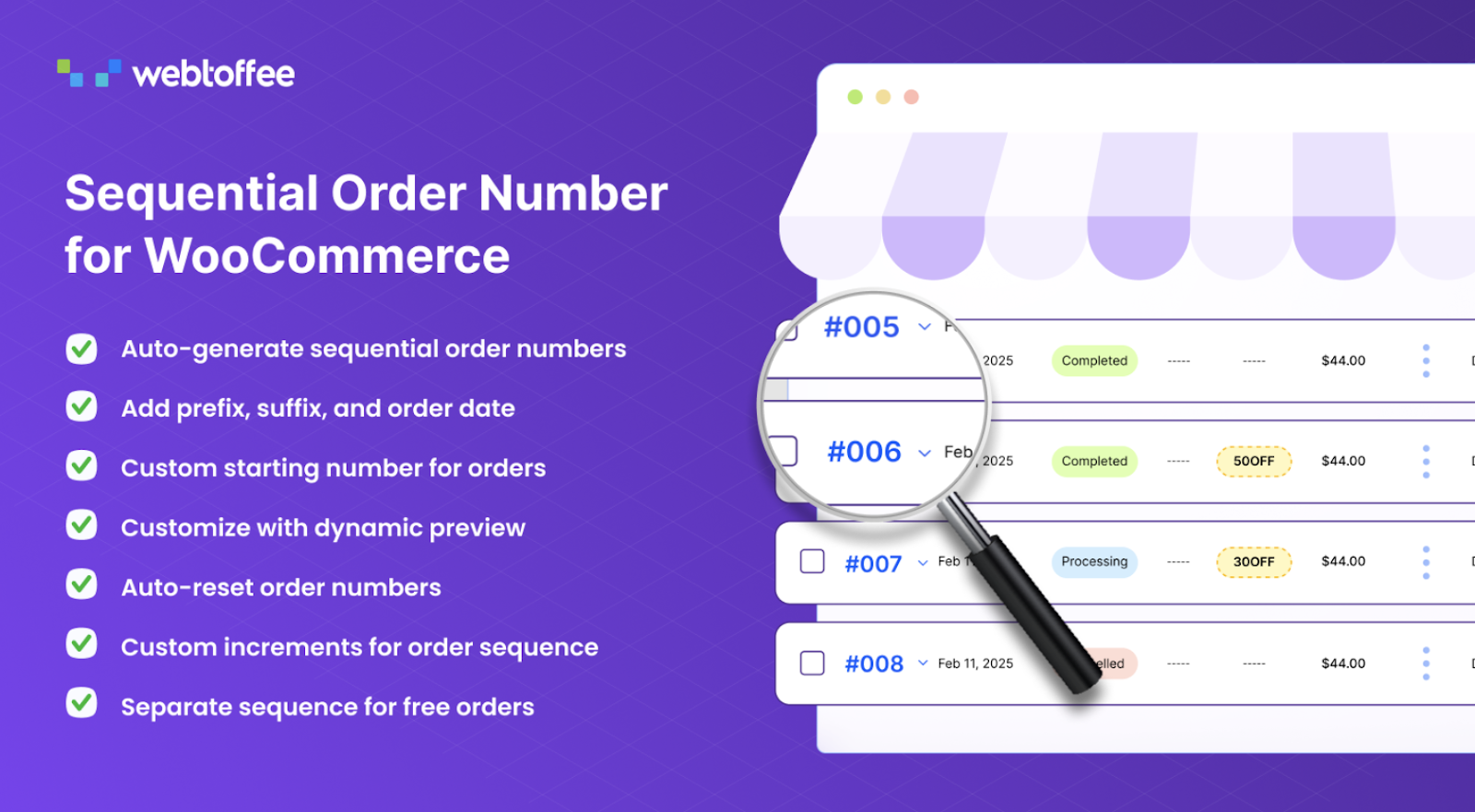
The Sequential Order Number plugin gives WooCommerce stores a clear and organized way to manage order IDs by replacing random numbers with a structured sequence. It allows you to define how each order number should appear by setting prefixes, suffixes, starting values, increments, and even date formats. This creates a consistent system that is easier to read, track, and reference across your fulfillment, accounting, and support activities.
You can convert your existing orders into a continuous sequence or keep them unchanged while applying the new structure only to future orders. The custom order number plugin also supports separate sequences for free orders, helping you maintain a clean distinction between different order types. Automatic resets can be applied daily, monthly, or yearly, ensuring your numbering system stays clear and manageable over time. A real-time preview lets you see changes instantly as you adjust your settings.
Tracking becomes easier for both store owners and customers, as the structured format provides quick identification and simpler search options.
2. Mailchimp for WordPress

Mailchimp for WordPress helps you grow your audience by making it easy to collect email subscribers from any part of your site. It connects to your Mailchimp account in moments and lets you create signup forms that match your site’s style. You can also integrate the plugin with existing forms such as contact forms, comment forms, and WooCommerce checkout fields to capture subscribers as they interact with your website.
The plugin gives you full control over form fields and allows you to build forms using standard HTML for better flexibility. Forms are mobile-friendly and designed to offer a smooth, user-focused experience. With the premium version, you can send WooCommerce order data to Mailchimp, giving you a complete view of what customers purchased and how much revenue your email campaigns generate. This connection helps you build targeted segments, refine your marketing strategy, and understand which messages lead to real sales.
3. Import Export Suite for WooCommerce
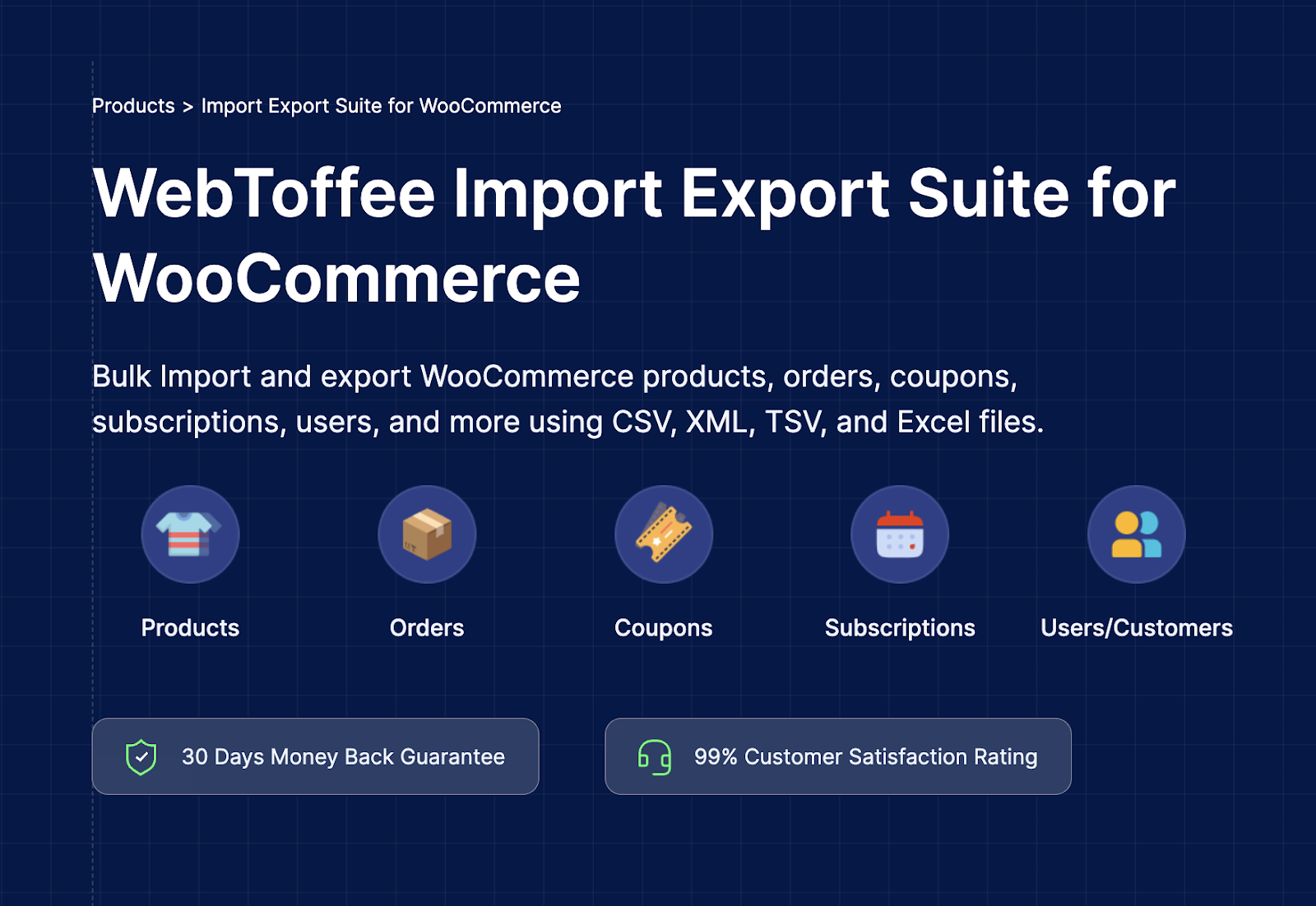
The Import Export Suite for WooCommerce gives store owners a complete system for migrating, updating, and managing large volumes of store data. It supports products, orders, users, coupons, subscriptions, and reviews, allowing you to import or export information quickly using CSV, XML, TSV, or Excel files. Whether you are migrating stores, syncing data, or keeping records updated, the suite removes manual work and keeps everything organized.
You can choose simple import methods for fast updates or switch to advanced options when you need deeper control over field mapping and filtering. The plugin works with all WooCommerce product types, including simple, variable, grouped, affiliate, custom, and subscription products. Its filtering tools let you extract or update exactly what you need based on product category, date, order status, user type, or custom metadata. Product images, attributes, tags, and other details move smoothly during imports and exports, so your data stays complete.
Bulk updates allow you to edit existing items or add new records. Automated scheduling through FTP or SFTP helps you maintain regular data transfers with no extra effort. Bringing together the strengths of WebToffee’s product, order, and user import export tools, the suite offers a unified and efficient approach to WooCommerce data management.
4. WooCommerce Product Feed Plugin
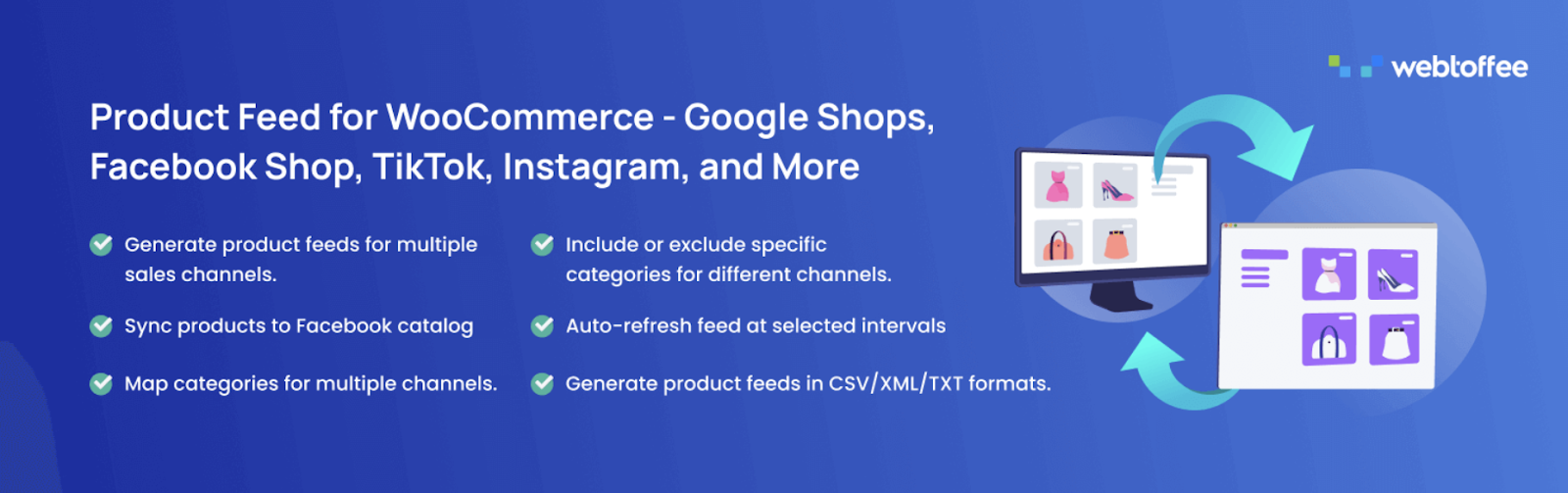
The WooCommerce Product Feed plugin helps store owners reach more buyers by creating structured product feeds that major sales channels can read without errors. It supports over twenty-five platforms, including Google Shopping, Facebook, Instagram, TikTok, Pinterest, and several other marketplaces and sales channels. With automated syncing, detailed mapping options, and flexible filtering, the plugin keeps your listings accurate and up to date across every
You can generate feeds for all major Google programs, including Local Product Inventory, Manufacturer Center, Google Promotions, and Product Reviews. The plugin also connects directly with the Meta Business Suite, allowing your products to appear in Facebook and Instagram shops. Advanced filters let you include or exclude products based on category, attributes, or custom conditions, and server cron scheduling helps maintain reliable updates even for large catalogs.
Feed refresh status is displayed in one place, making it easy to monitor updates and troubleshoot issues. Each feed can be fine-tuned by mapping WooCommerce attributes and categories to the correct fields required by each marketplace. This ensures better approval rates and a more relevant presentation of your products.
5. Sucuri Security

The Sucuri Security plugin strengthens WordPress sites with tools that monitor activity, detect threats, and highlight vulnerabilities before they become serious problems. It brings together security auditing, malware scanning, and best practice recommendations in one place, giving site owners a clear view of their website’s safety and overall health. With reliable alerts and ongoing checks, the plugin helps you respond quickly to potential risks and maintain a secure environment.
Its auditing system tracks important actions inside your WordPress installation so you can see when changes occur and who triggered them. File integrity monitoring alerts you when files are modified without authorization, allowing you to address issues early. A remote malware scanner examines your site regularly and notifies you if suspicious content is found. Blocklist monitoring keeps you informed if any major service flags your site, and security hardening tools guide you in applying recommended protections.
If your site is ever compromised, the plugin includes clear post-incident steps to support your recovery process.
6. All-in-One PDF Invoice and Packing Slips Suite for WooCommerce
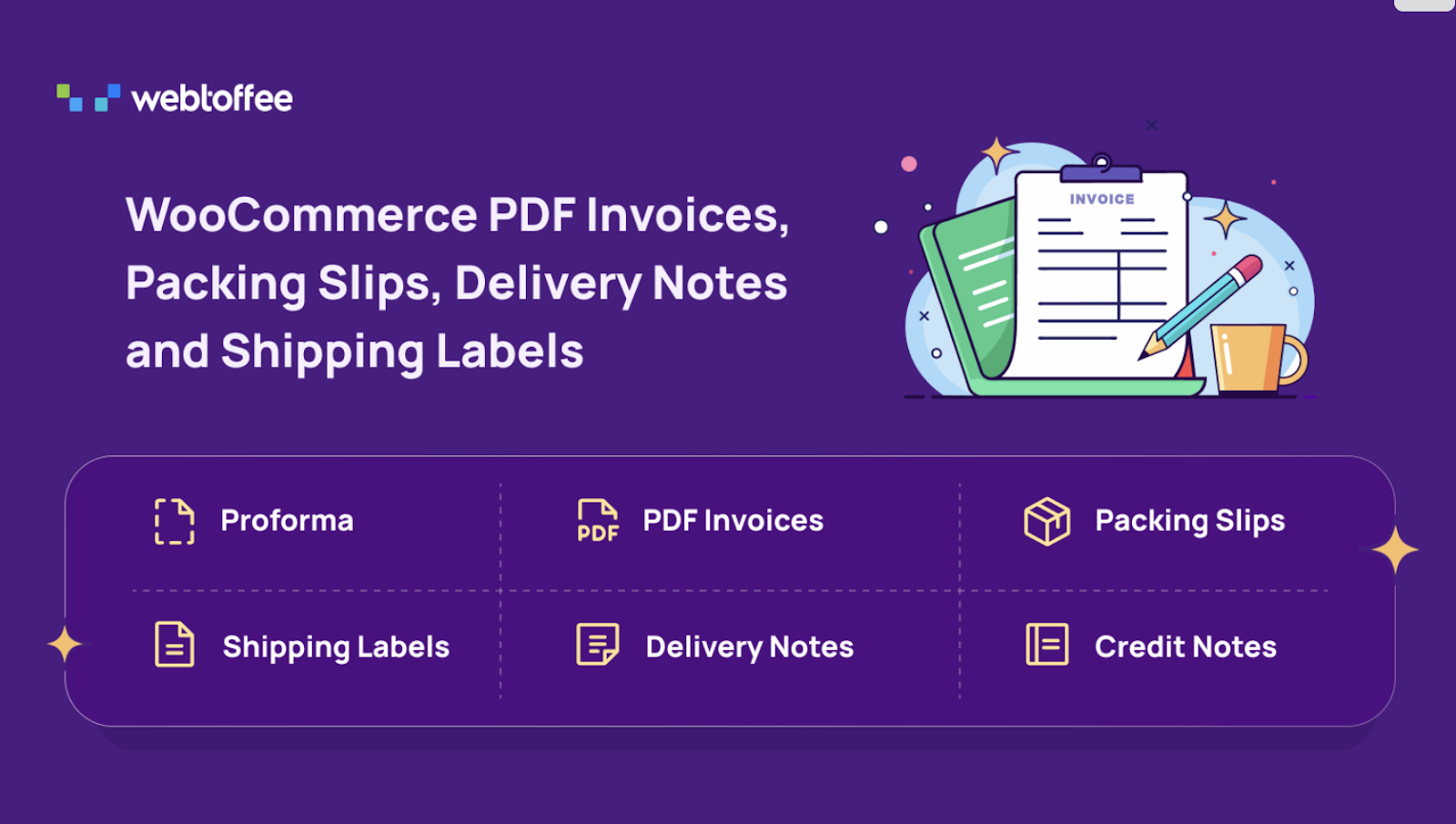
The All-in-One PDF Invoice and Packing Slips Suite provides WooCommerce stores with a complete system for creating every essential order document from one central dashboard. It prepares invoices, packing slips, credit notes, shipping labels, dispatch labels, delivery notes, picklists, and address labels automatically, and sends invoice PDFs with each order email.
The suite supports proforma invoices, UBL and XML e-invoices, and automated credit notes for refunds. You can customize layouts with an intuitive visual editor by adjusting sections, adding branding elements, and including business details such as VAT, GST, or ABN. Bulk printing allows you to handle large batches of documents at once, and built-in templates offer a quick starting point for most stores.
With these features working together, this PDF invoices and packing slips plugin brings clarity, structure, and efficiency to WooCommerce order documentation.
7. WooCommerce Coupon Generator
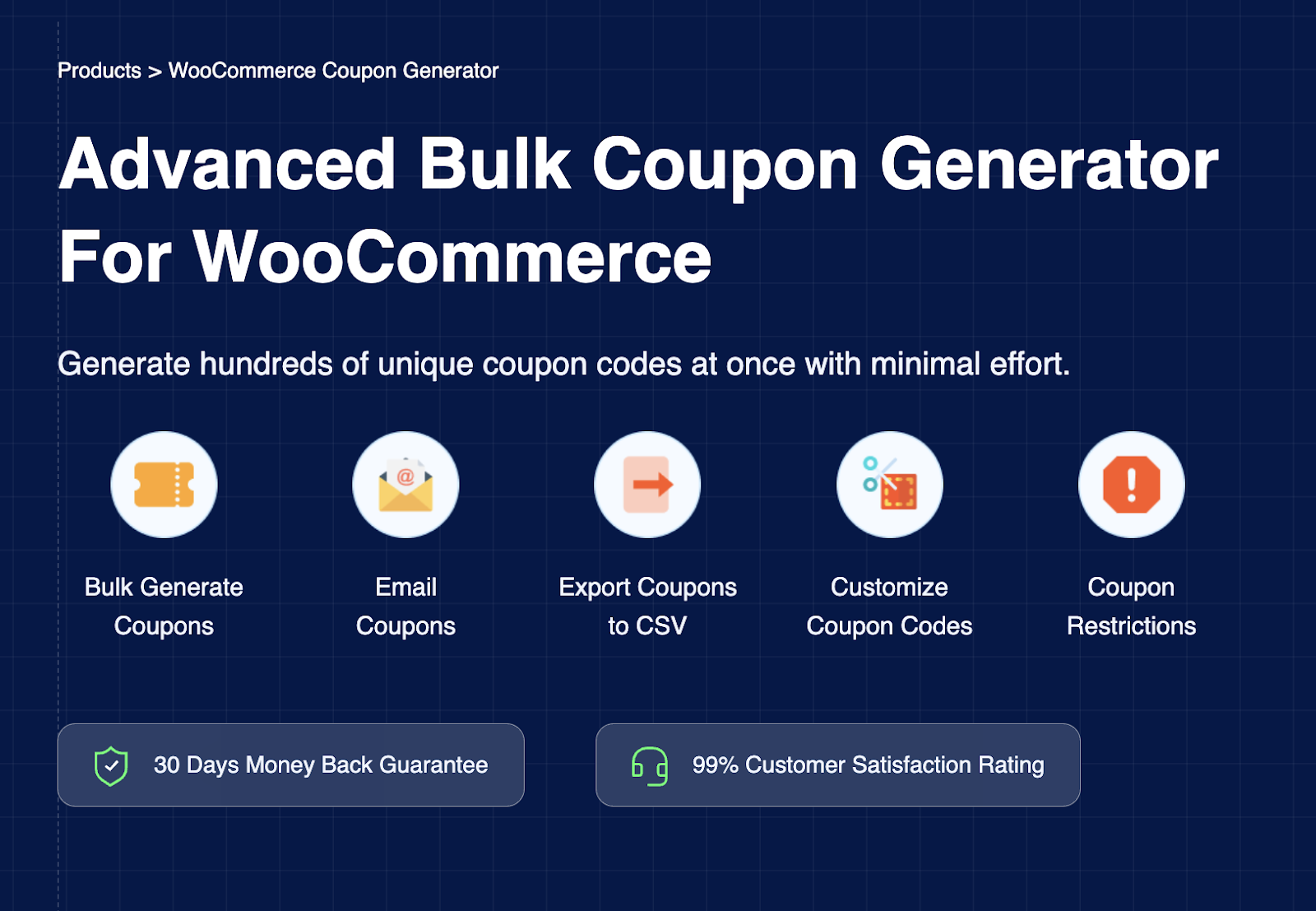
The WooCommerce Coupon Generator plugin gives store owners a fast and organized way to create large batches of coupon codes in a single go. It supports detailed configurations for discount type, usage limits, restrictions, and expiry rules, allowing you to prepare campaigns for promotions, giveaways, email marketing, loyalty rewards, or targeted customer segments. With flexible export options and clear control over who can use each coupon, it simplifies large-scale coupon distribution for any WooCommerce store.
You can generate hundreds of unique codes at once and apply custom prefixes, suffixes, and code lengths to match your branding or campaign structure. Coupons can be emailed directly to selected recipients, and you can decide whether those users are allowed to share the codes. Exporting codes to CSV makes it easy to move them between stores or use them in external marketing tools.
The plugin also supports discount rules that limit coupon use to specific customers, roles, purchase histories, or date ranges, giving you control over how each offer is redeemed.
8. Widgets for Google Reviews

Widgets for Google Reviews lets you showcase authentic customer feedback on your WordPress site using attractive display options. It pulls reviews directly from your Google Business profile and presents them in customizable widgets that help strengthen trust and support your SEO efforts. With multiple layouts and styling choices, you can match the look of the widget to your brand while choosing exactly which reviews appear on your site.
You can display up to ten Google reviews, filter them by rating, and show or hide replies as needed. The plugin includes more than forty layout options and over twenty predesigned styles, giving you plenty of flexibility in how your testimonials appear. You can also anonymize reviewer names for added privacy.
With a simple setup process and a dedicated review widget, the plugin provides an effective way to highlight real customer experiences across your pages.
9. GDPR Cookie Consent Management Plugin
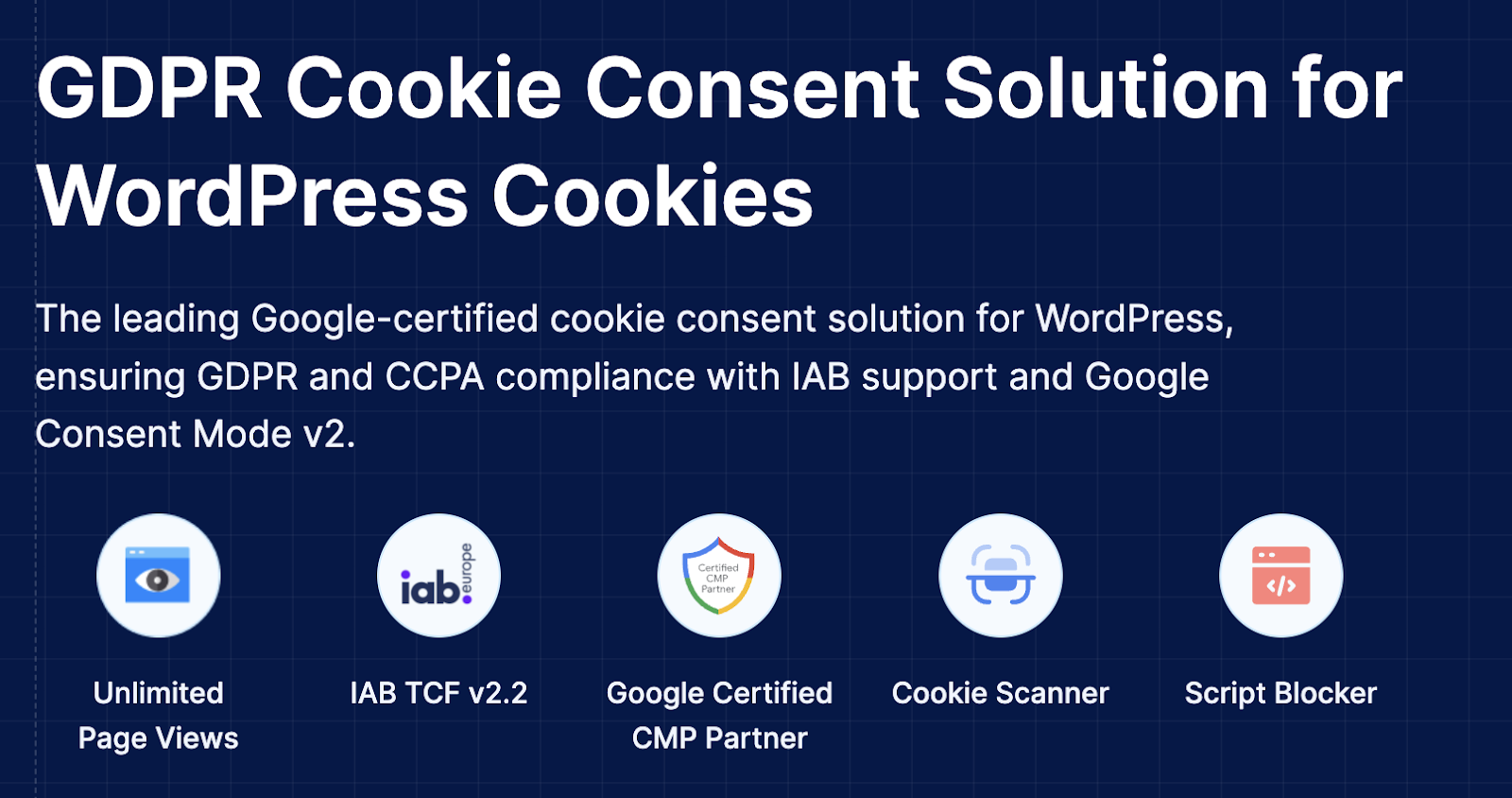
The GDPR Cookie Consent Management Plugin gives WordPress site owners a structured and transparent way to collect valid user consent while meeting major global privacy requirements. It provides a fully customizable cookie banner, automatic script blocking, Google Consent Mode support, and compliance with GDPR, CCPA, and IAB TCF v2.2. With tools for documentation, scanning, and granular control, it helps you manage consent signals accurately without disrupting the visitor experience.
The plugin lets you create a clear banner that reflects your brand style and displays consent options in a straightforward manner. It blocks third-party scripts until permission is given and includes a cookie scanner that identifies the cookies used across your site. A built-in policy generator helps you publish a complete cookie policy, and GeoIP rules allow you to show banners only to visitors from regions that require consent.
Users can allow or reject individual cookie categories, and all choices are stored in a detailed consent log for reference. The cookie consent plugin also supports UET Consent Mode, Microsoft Clarity, and IAB frameworks, giving advertisers and analytics tools the correct signals based on user preferences.
10. Subscriptions for WooCommerce

Subscriptions for WooCommerce give store owners a simple way to offer products and services on a recurring schedule. It introduces subscription plans that support subscription boxes, digital services, memberships, and other repeat-purchase models. With built-in automation, clear renewal rules, and customer-friendly controls, the plugin helps stores build steady recurring revenue without adding complexity to daily operations.
You can create subscription boxes that let customers pick their preferred products, set billing cycles, offer free trials or signup fees, and define how long each subscription should run. Customers can cancel their subscriptions from their account area at any time, and the plugin automatically cancels a subscription if the related order is canceled.
A REST API endpoint provides subscription details for external tools or integrations, and error logs help you track and resolve subscription issues quickly.
11. WooCommerce Product Recommendations Plugin
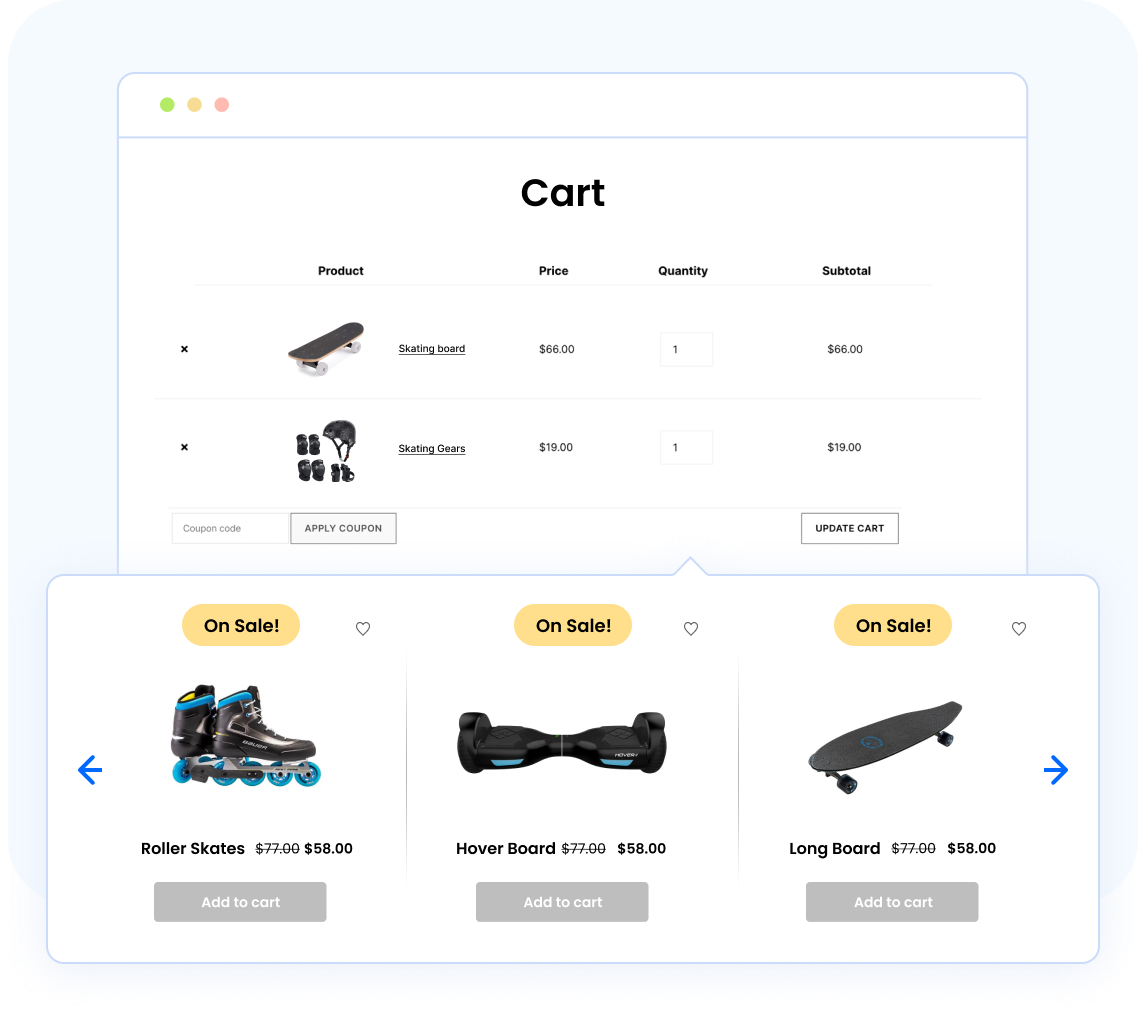
The WooCommerce Product Recommendations plugin helps store owners display relevant suggestions across their site to improve discovery and increase average order value. It automatically generates product ideas such as upsells, cross-sells, best sellers, frequently bought together items, and recently viewed products, while also enabling the creation of personalized recommendation campaigns. With flexible placement options and ready templates, the plugin supports a smoother shopping experience and encourages customers to explore more items.
You can choose exactly where recommendations appear, including the shop page, product pages, cart, checkout, category pages, and the order received page. Conditions and filters allow you to tailor suggestions based on product categories, user behavior, price ranges, and many other factors. The related products plugin supports all product types – simple, grouped, variable, subscription, and external items – and provides extensive sorting options such as popularity, ratings, new arrivals, and random order.
With strong control over what to recommend, where to show it, and how to refine each campaign, the plugin helps you build data-driven product suggestions that guide customers naturally and boost overall sales.
12. Payment Gateway for Stripe
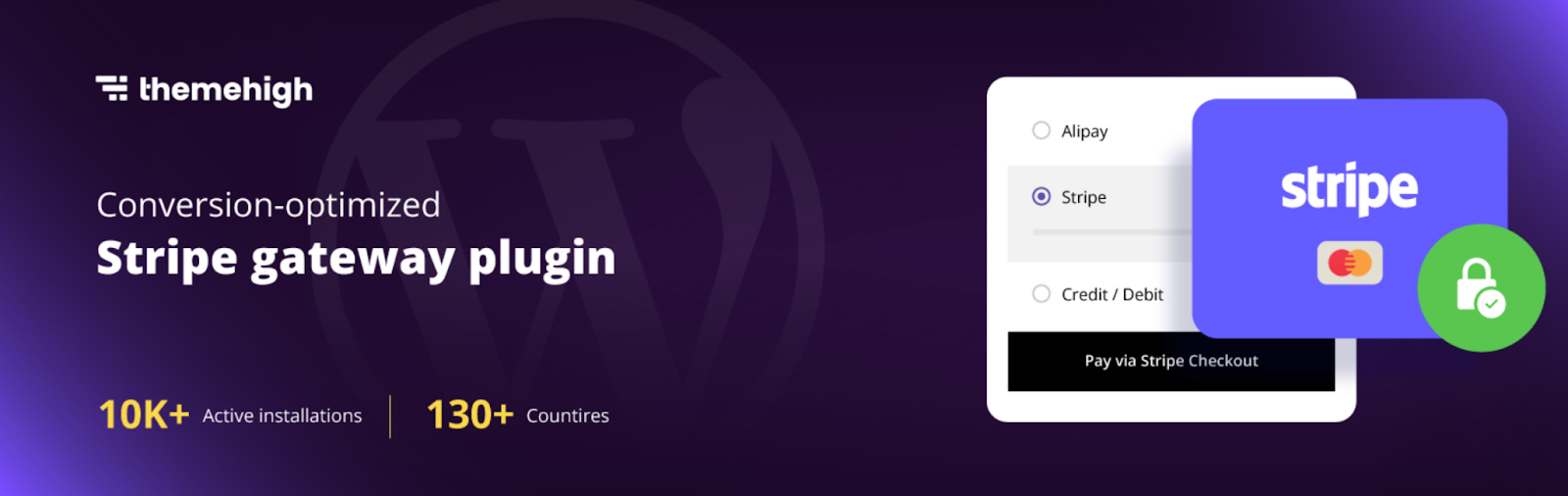
The Payment Gateway for Stripe plugin brings fast and secure Stripe payments to WooCommerce, allowing customers to pay with major cards, digital wallets, and regional payment methods. It supports credit and debit cards, Apple Pay, Google Pay, Klarna, SEPA, Afterpay, Alipay, iDEAL, WeChat Pay, and other popular options, giving shoppers a familiar and flexible checkout experience.
You can enable Stripe Checkout and accept payments directly on the WooCommerce checkout page, ensuring a clean and uninterrupted flow. The plugin includes a Stripe overview page where you can capture payments, issue refunds, and review recent transactions quickly. This view brings all essential Stripe actions into one place and reduces the time spent managing payments.
By combining a wide range of supported methods with simple store management tools, the plugin makes it easy to offer trusted, modern, and user-friendly payment experiences for WooCommerce customers.
Conclusion
Improving WooCommerce management does not always require complicated systems or drastic changes. Often, the difference comes from using tools that simplify the work you already handle each day. The plugins listed above support essential tasks such as order tracking, marketing, data movement, security, invoicing, and customer engagement in a straightforward way that suits any eCommerce niche.
Choosing the right combination helps you operate with greater clarity, keep your store organized, and maintain consistency as your sales grow. With thoughtful setup and the right features in place, your store can run more smoothly and give you more room to focus on the areas that matter most.
Recent Comments